
Ten original looks · image + video prompts
Halloween Lookbook 2026
Quick answer
This lookbook turns ten Halloween costume ideas into copy-ready image and video prompts. Pick a look, upload one clear photo to an editing model, keep the face and body consistent, and change only the costume, lighting and set. Every guide names a low-cost route through Kie, WaveSpeed, Fal, Replicate or SeeAPI.
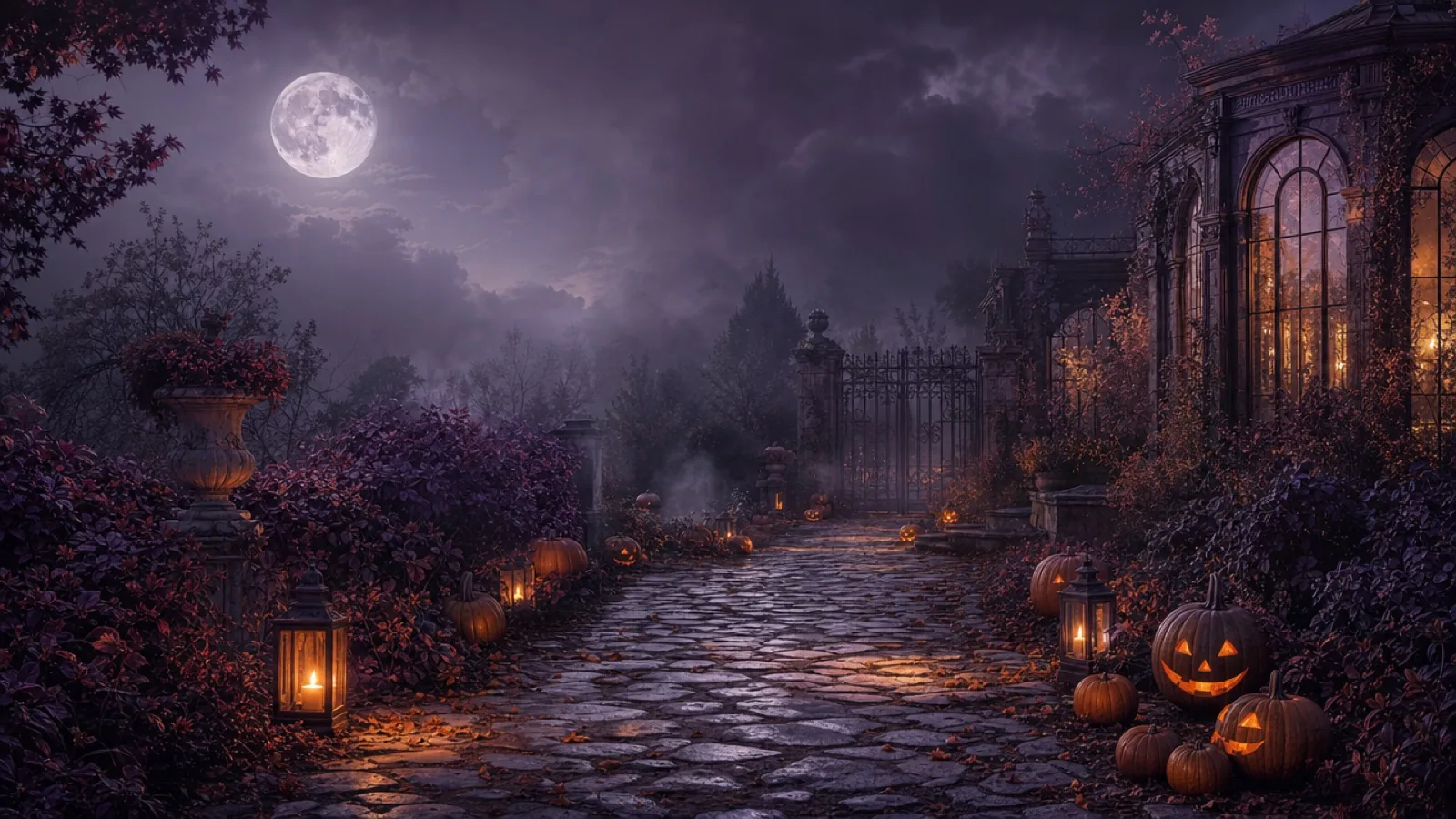
Halloween searches arrive late and move fast. A costume idea is useful only when it can become a picture or a short clip before the trend passes. That is the job of this lookbook: ten original looks, each with a still-image prompt, a five-second video prompt and a model route that does not require a studio.
The guides are written for real photos. They tell the model what to preserve first, then what to change. That order matters: identity, body proportions and the number of people in the frame are the parts viewers notice immediately when they go wrong.
The ten looks
Each card opens a single-language guide with its own prompt recipe, editing checklist and FAQ. The set is deliberately varied: solo portraits, a couple, two pet looks and one location-led video.
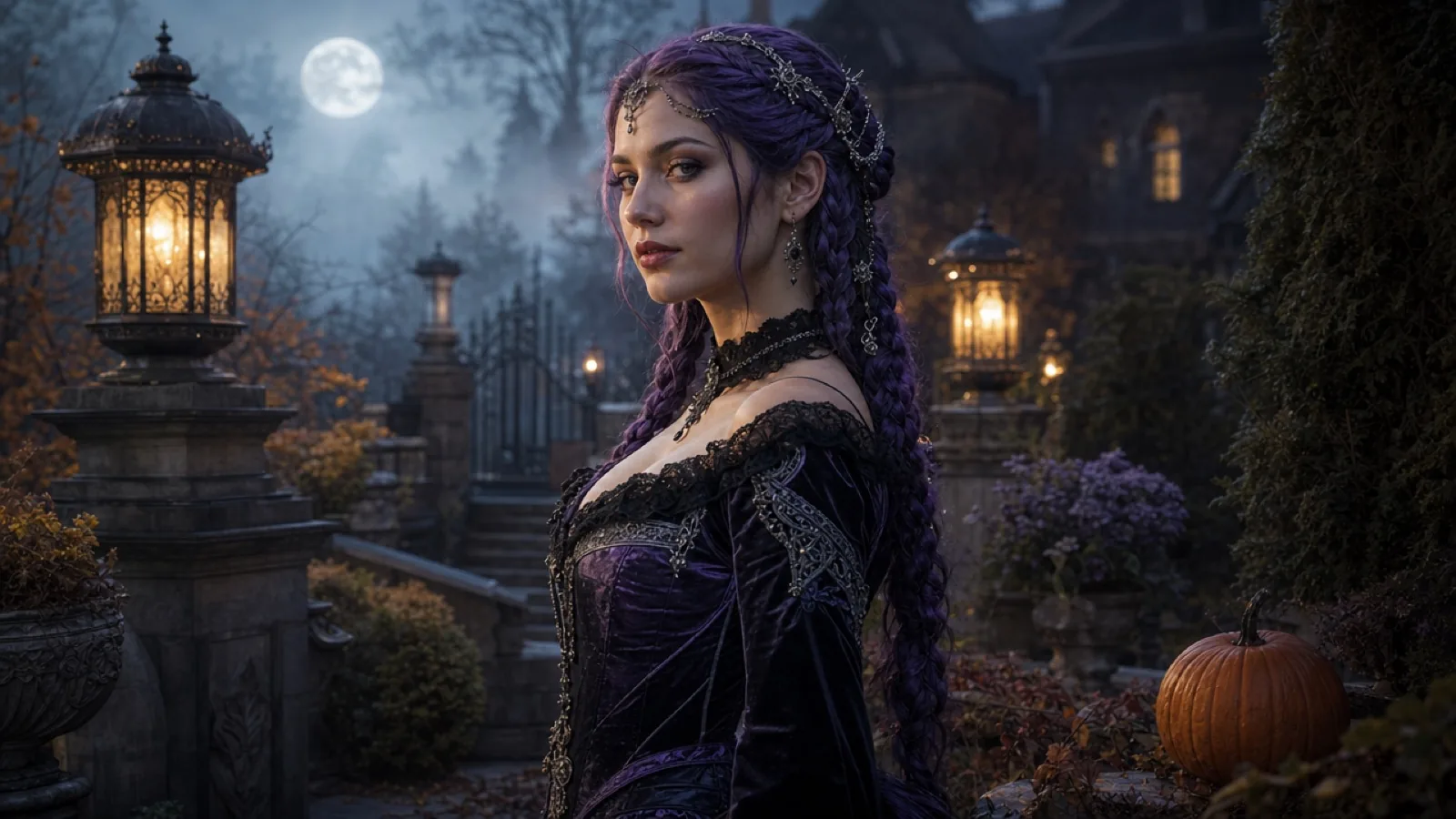 Midnight Braids
 is a gothic Halloween look built from long violet braids, silver hair jewellery and a black velvet outfit. The safest AI edit keeps the face, skin tone and body shape, changes only the hair, clothing and moonlit garden, and uses a vertical crop for social video.
Read the guide
Midnight Braids
Midnight Braids is a gothic Halloween look built from long violet braids, silver hair jewellery and a black velvet outfit. The safest AI edit keeps the face, skin tone and body shape, changes only the hair, clothing and moonlit garden, and uses a vertical crop for social video.
Read the guide
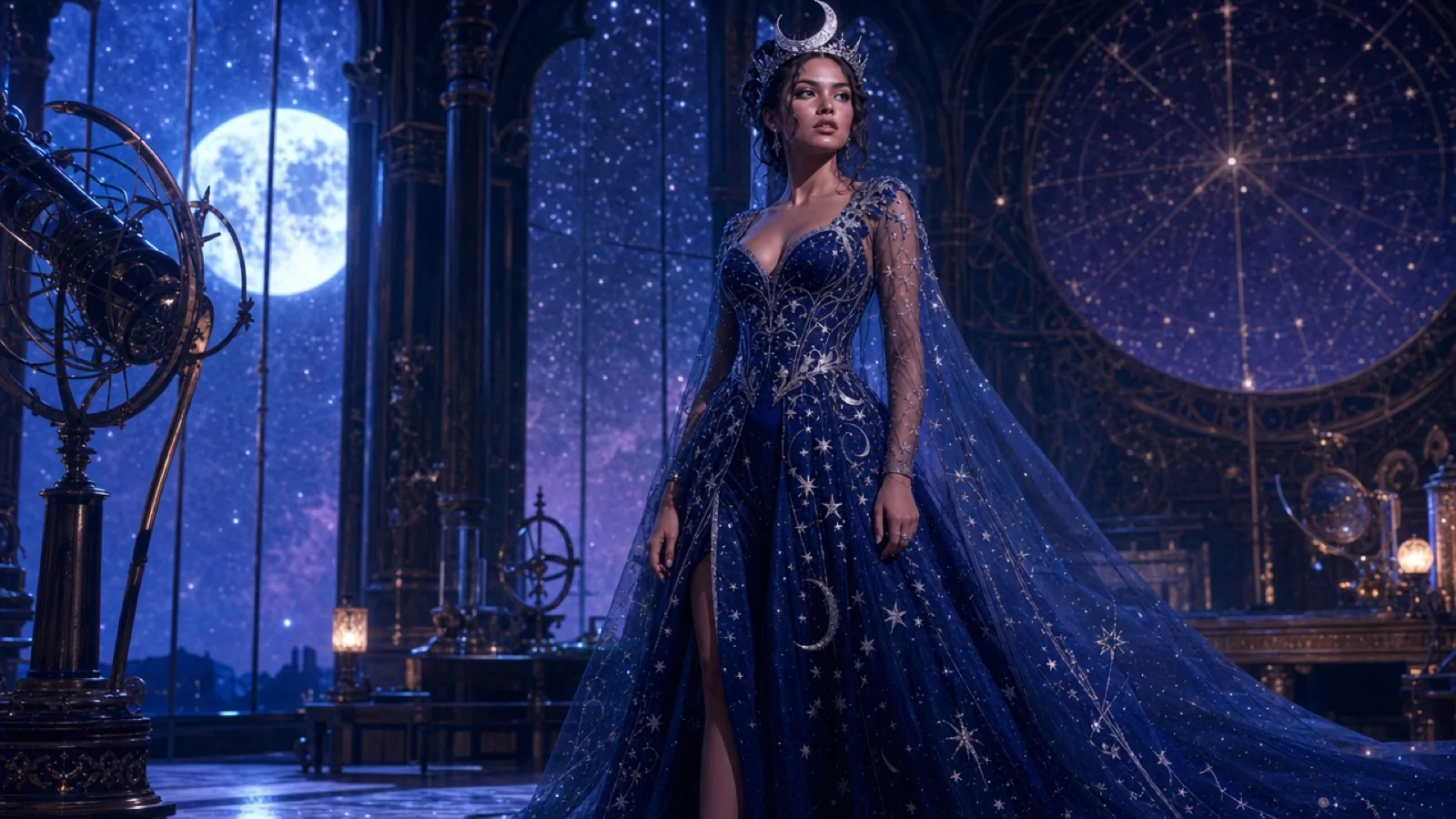 Cosmic Princess
 is a celestial Halloween look: a midnight-blue gown, silver star embroidery and a delicate moon crown. The best AI edit keeps the subject's face and pose, adds glow only to the fabric and background, and avoids turning the skin into plastic.
Read the guide
Cosmic Princess
Cosmic Princess is a celestial Halloween look: a midnight-blue gown, silver star embroidery and a delicate moon crown. The best AI edit keeps the subject's face and pose, adds glow only to the fabric and background, and avoids turning the skin into plastic.
Read the guide
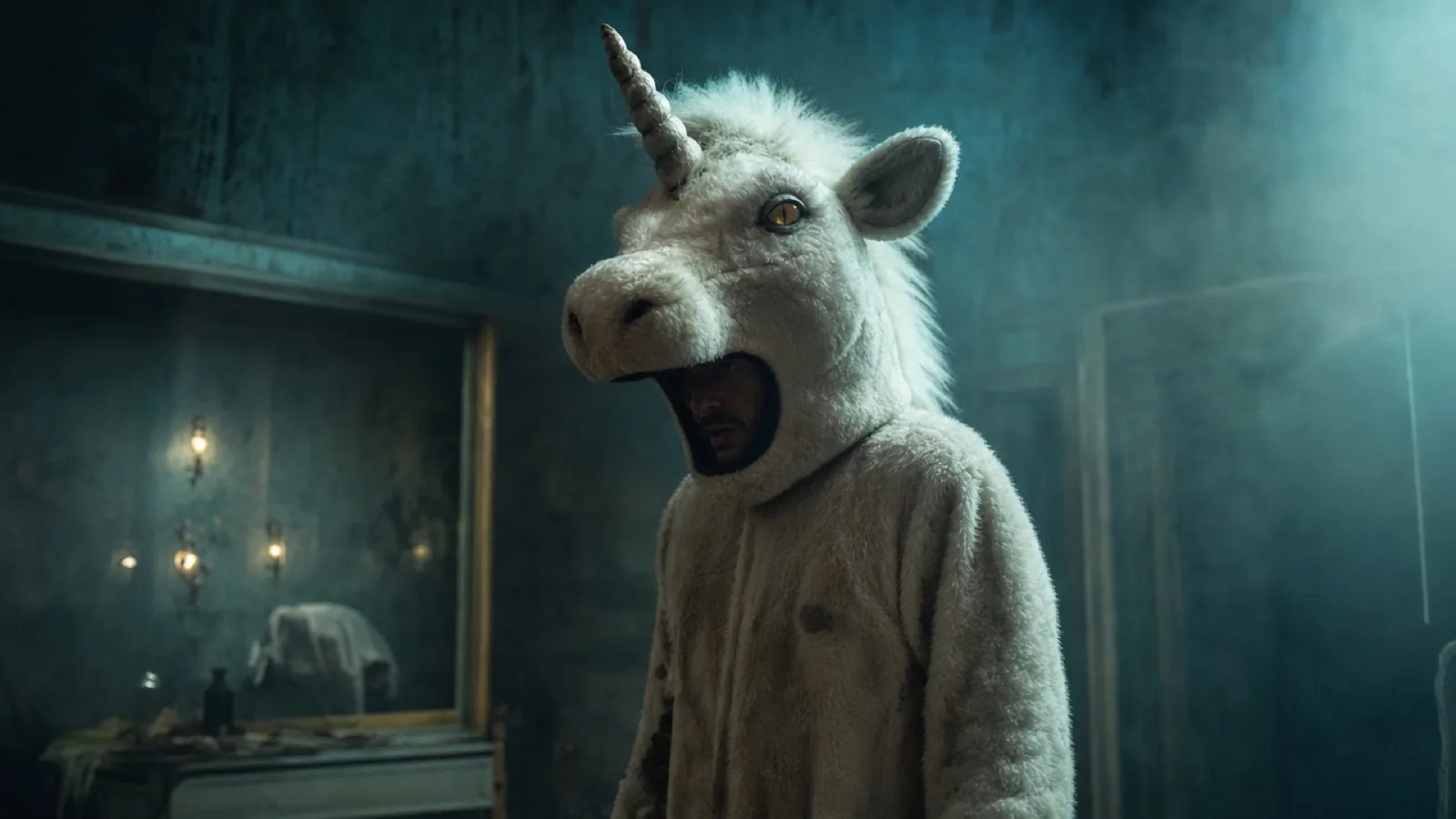 Haunted Unicorn
The haunted unicorn is an original mascot-horror look: a plush white hood, a spiral horn and small amber lenses, photographed in fog. Keep the design generic, show the human face where the costume allows it, and avoid copying any film or game character.
Read the guide
Haunted Unicorn
The haunted unicorn is an original mascot-horror look: a plush white hood, a spiral horn and small amber lenses, photographed in fog. Keep the design generic, show the human face where the costume allows it, and avoid copying any film or game character.
Read the guide
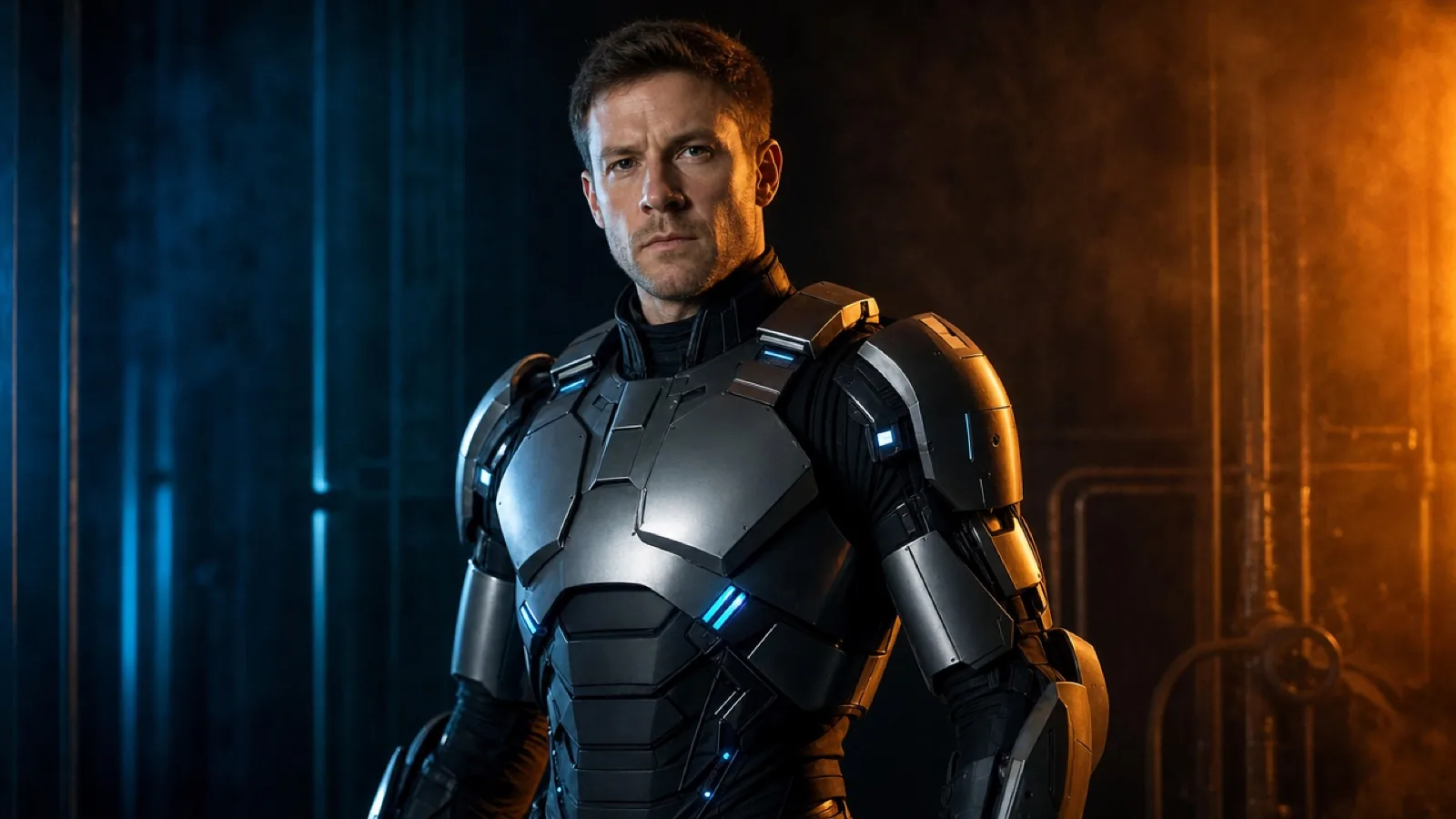 Wearable Robot
A wearable robot costume uses metallic panels, articulated shoulder pieces and small blue LEDs, while the human face stays visible. The goal is a believable costume, not a new mechanical character; the prompt must say that the face is not replaced.
Read the guide
Wearable Robot
A wearable robot costume uses metallic panels, articulated shoulder pieces and small blue LEDs, while the human face stays visible. The goal is a believable costume, not a new mechanical character; the prompt must say that the face is not replaced.
Read the guide
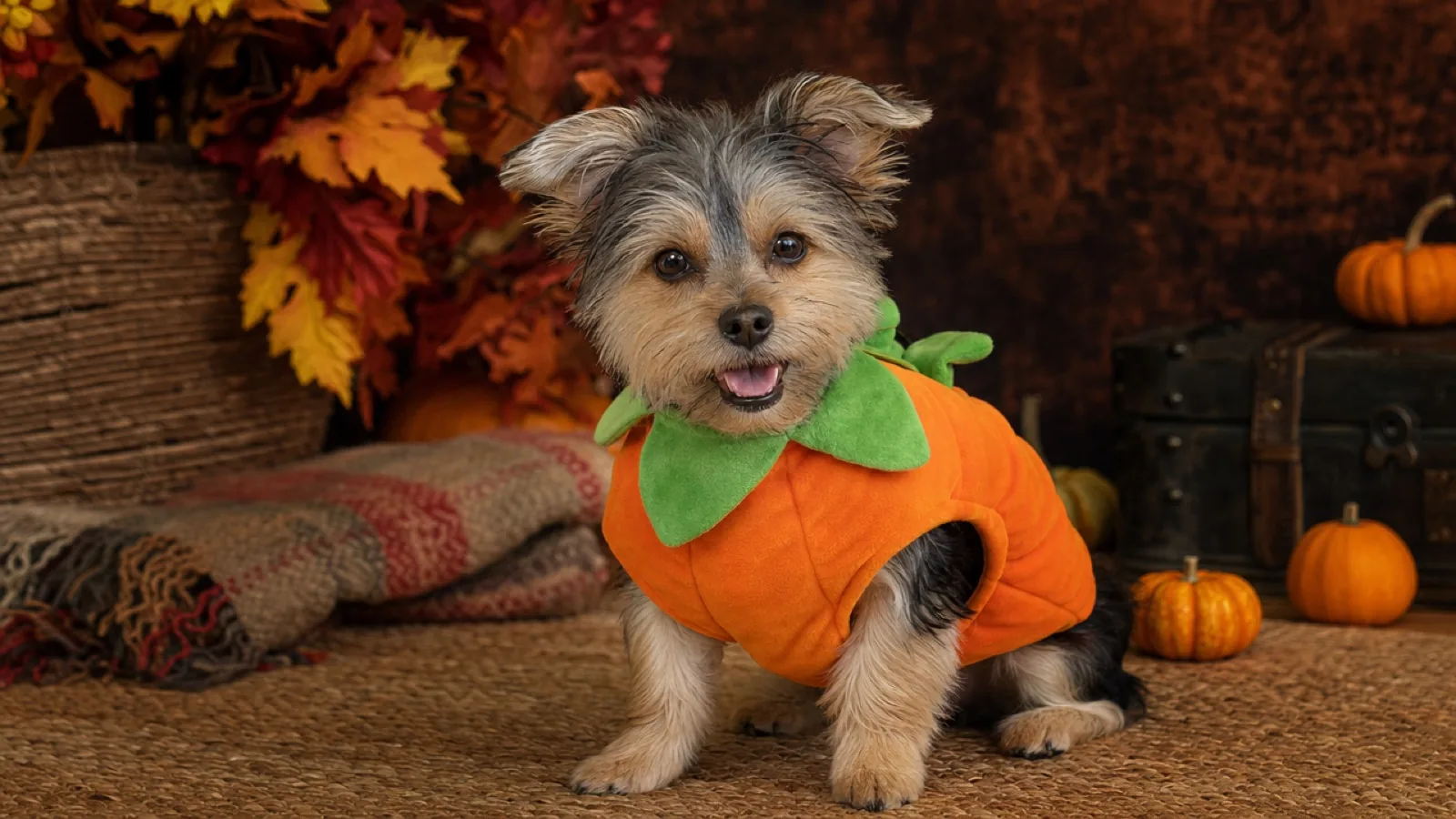 Pumpkin Pet
The Pumpkin Pet look dresses a cat or dog in a soft pumpkin costume with a small green leaf collar. The edit must preserve breed, fur colour, markings, eye colour and paw anatomy; the costume should sit naturally and never cover the eyes.
Read the guide
Pumpkin Pet
The Pumpkin Pet look dresses a cat or dog in a soft pumpkin costume with a small green leaf collar. The edit must preserve breed, fur colour, markings, eye colour and paw anatomy; the costume should sit naturally and never cover the eyes.
Read the guide
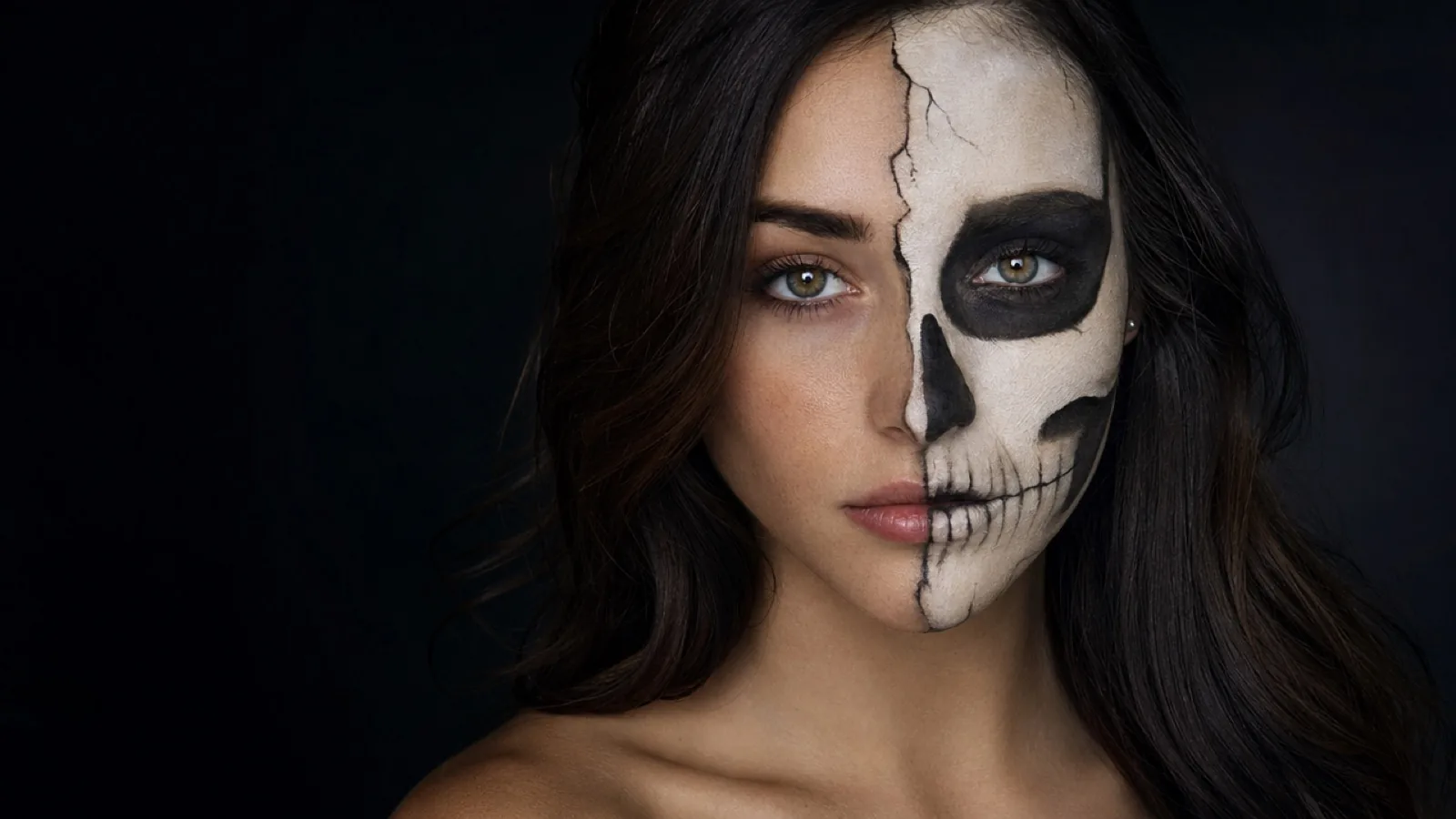 Half-Skull Skeleton
Half-skull makeup splits the face: one side stays human, the other becomes painted bone. The AI edit must preserve the human half exactly, keep the eyes aligned, and avoid turning the whole face into a skull mask that no longer looks like makeup.
Read the guide
Half-Skull Skeleton
Half-skull makeup splits the face: one side stays human, the other becomes painted bone. The AI edit must preserve the human half exactly, keep the eyes aligned, and avoid turning the whole face into a skull mask that no longer looks like makeup.
Read the guide
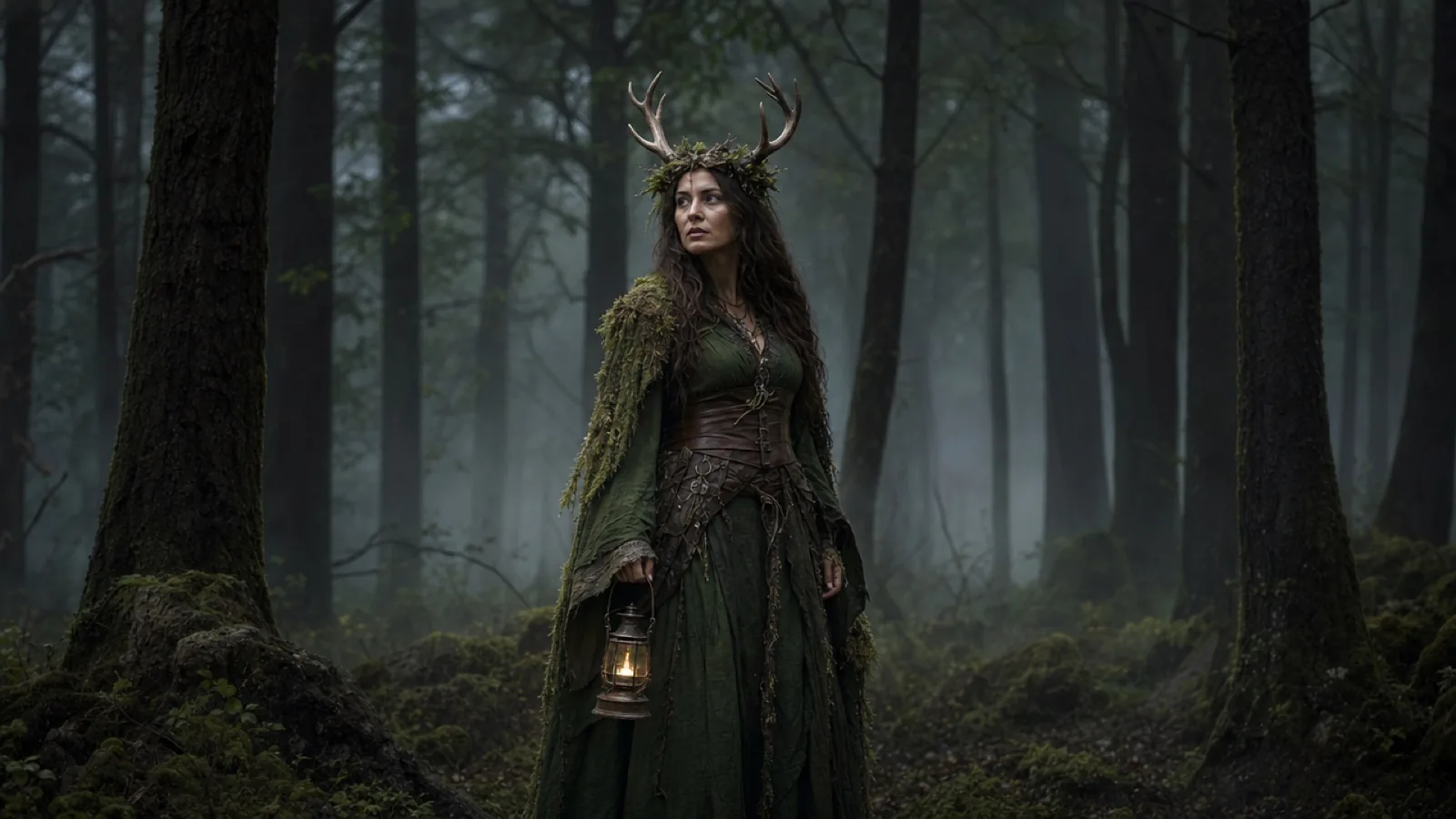 Forest Witch
The Forest Witch is an earthy Halloween look: a moss-green layered dress, an antler crown, leather boots and a small lantern. The AI edit should preserve the face and body, keep the silhouette readable, and use fog and one warm light instead of a busy forest.
Read the guide
Forest Witch
The Forest Witch is an earthy Halloween look: a moss-green layered dress, an antler crown, leather boots and a small lantern. The AI edit should preserve the face and body, keep the silhouette readable, and use fog and one warm light instead of a busy forest.
Read the guide
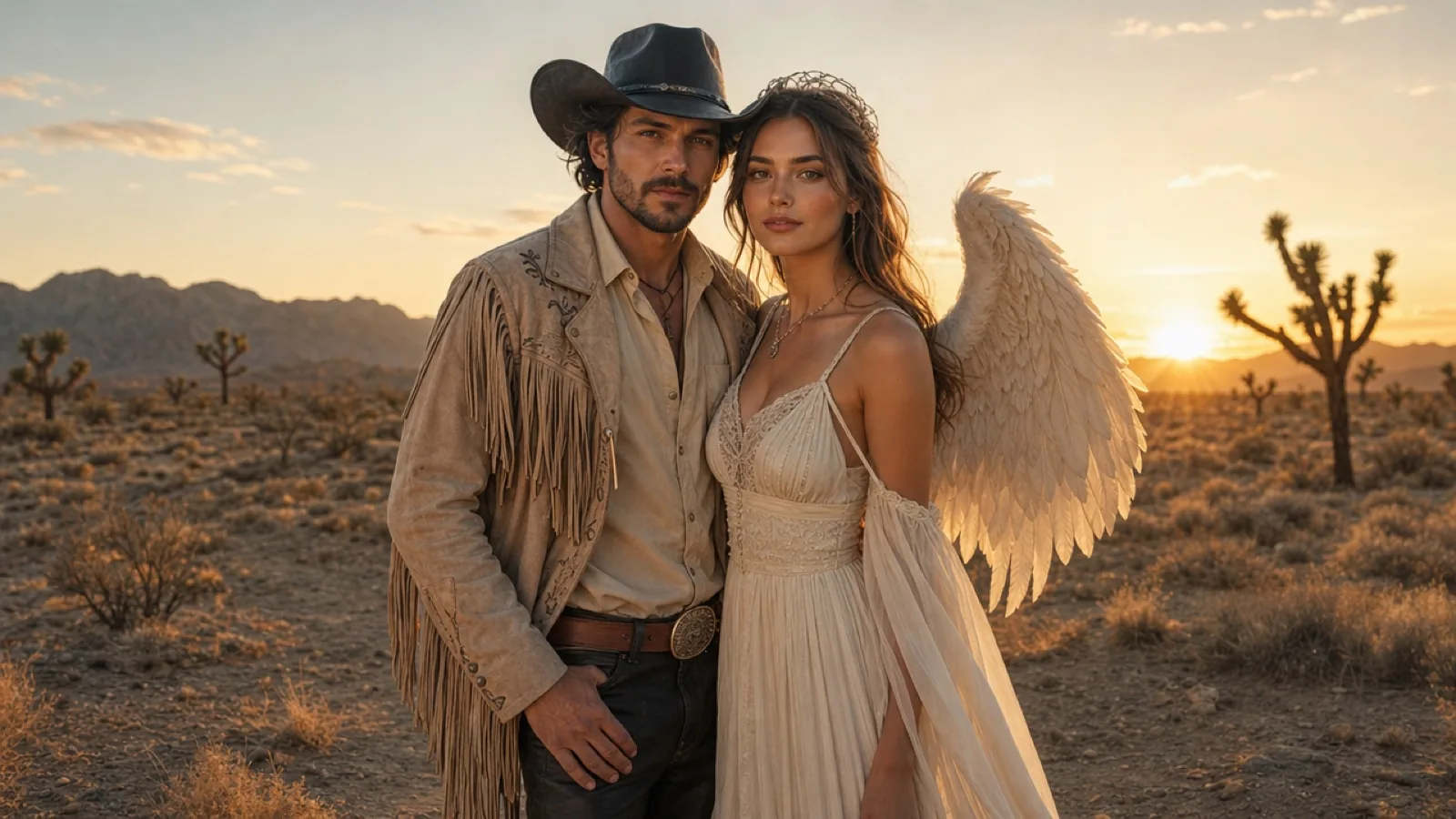 Cowboy & Angel
Cowboy and Angel is a two-person costume: one warm, western silhouette and one soft, feathered look, tied together by a shared cream-and-sand palette. The AI edit must use two reference photos, preserve both faces, and keep exactly two people in the frame.
Read the guide
Cowboy & Angel
Cowboy and Angel is a two-person costume: one warm, western silhouette and one soft, feathered look, tied together by a shared cream-and-sand palette. The AI edit must use two reference photos, preserve both faces, and keep exactly two people in the frame.
Read the guide
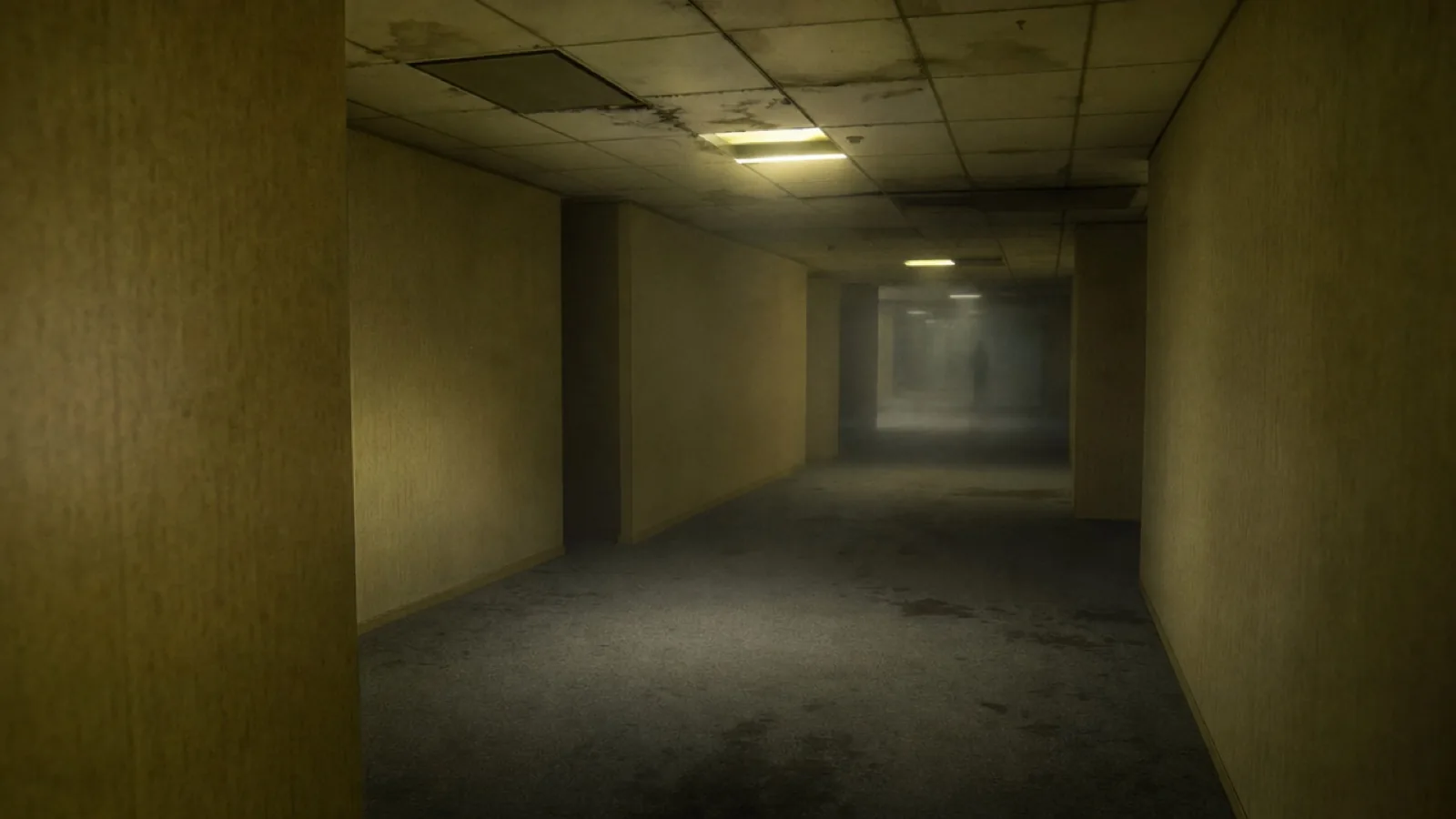 Backrooms Fog
The Backrooms look is a liminal-space video: an empty yellow-lit corridor, damp carpet, low fog and a distant silhouette. It needs no costume. Keep the location generic, avoid named entities, and animate the camera and fog rather than a character.
Read the guide
Backrooms Fog
The Backrooms look is a liminal-space video: an empty yellow-lit corridor, damp carpet, low fog and a distant silhouette. It needs no costume. Keep the location generic, avoid named entities, and animate the camera and fog rather than a character.
Read the guide
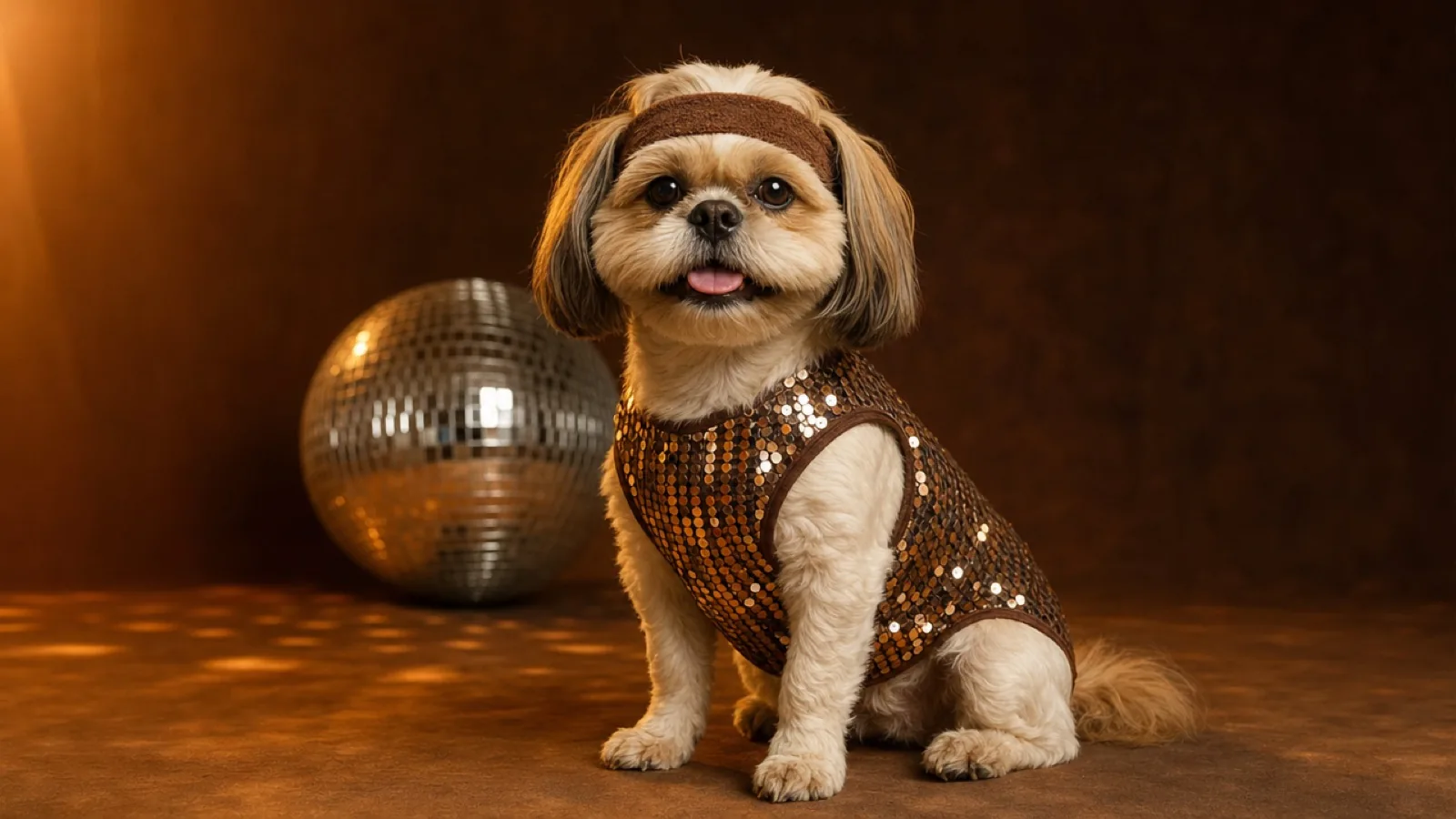 Disco Pup
 is a retro pet look: a small sequin vest, a stretch headband and warm mirror-ball light. The edit must keep the pet's breed, fur pattern and eye colour, and the costume must sit comfortably without covering the ears or eyes.
Read the guide
Disco Pup
Disco Pup is a retro pet look: a small sequin vest, a stretch headband and warm mirror-ball light. The edit must keep the pet's breed, fur pattern and eye colour, and the costume must sit comfortably without covering the ears or eyes.
Read the guide
How to use this lookbook
- Choose a look that matches the photo you already have, not the one that looks best in a thumbnail.
- Run the image prompt on a low-cost model and compare two outputs before paying for video.
- Check the face, hands, hairline and the number of people. Fix those before adding more scene detail.
- Animate one small movement. A head turn, a blink or a fabric move is enough for five seconds.
- If the result is going on a profile grid, keep the same palette across the set so it reads as one project.
Model routes at a glance
The same prompt behaves differently across providers. Use this table as a starting point, not a guarantee: model names, aliases and prices change, and a provider may route to a different backend on any given day.
| Provider | Image model | Video model | Best at |
|---|---|---|---|
| Kie.ai | GPT Image 2 (image edit) | Kling 2.6 | Face preservation, multi-reference edits, quick iteration |
| WaveSpeed | Seedream 5.0 Flash Edit / Pro Edit | Wan 2.6 Image-to-Video Flash | Low-cost batch edits, fabric and scene replacement |
| Fal | FLUX Kontext Pro | Kling / Wan endpoints | Targeted local edits and clean compositing |
| Replicate | openai/gpt-image-2 or FLUX Kontext | Kling / Wan community models | One API for many models and easy comparison |
| SeeAPI | OpenAI-compatible image route | Kling / Wan route | Fallback capacity when the primary route is busy |
Prompt studio
The studio assembles a prompt from the look, the subject and the output type. It does not call a paid model from this archive; it gives you a clean prompt and a route so the generation happens in the tool you already pay for.
From the BFE Halloween archive
These looks are a seasonal companion to the archive. The Banned from Equestria Halloween Special is a separate playable build with Pinkamena and Big Mac content, and the final Alpha 1.5 build is the version most guides describe.
FAQ
Are these prompts free to use?
Yes. Copy and adapt them for your own photos. Model usage, output rights and commercial use are governed by the provider you choose.
Can I use a phone selfie?
Yes, if the face is sharp and evenly lit. A front-facing photo with the hairline and shoulders visible is more useful than a high-resolution photo with a hand across the face.
Why do the guides name five providers?
Because availability and price change. Naming several routes lets you switch when a model is busy, deprecated or too expensive for a test.
Do the preview images show real results?
No. They are original AI illustrations made for the guide. A prompt is a starting recipe; your photo, model version and settings determine the result.
Is this affiliated with Banned from Equestria?
No. The lookbook is an editorial companion on the same unofficial archive. It is not endorsed by the game's creator or any model provider.
Image and prompt disclosure
Preview images on this page are original AI illustrations made for the guide. They are not game screenshots and not results from a reader's upload. Prompts are starting recipes; model behaviour, price and output quality vary by provider and date.